All 14 Voice Commands in Forktastic Cook Mode (Complete Reference)
The complete 14-command voice reference for Forktastic Cook Mode — navigation, timers, TTS playback, ingredient lookup, plus a printable cheat-sheet.
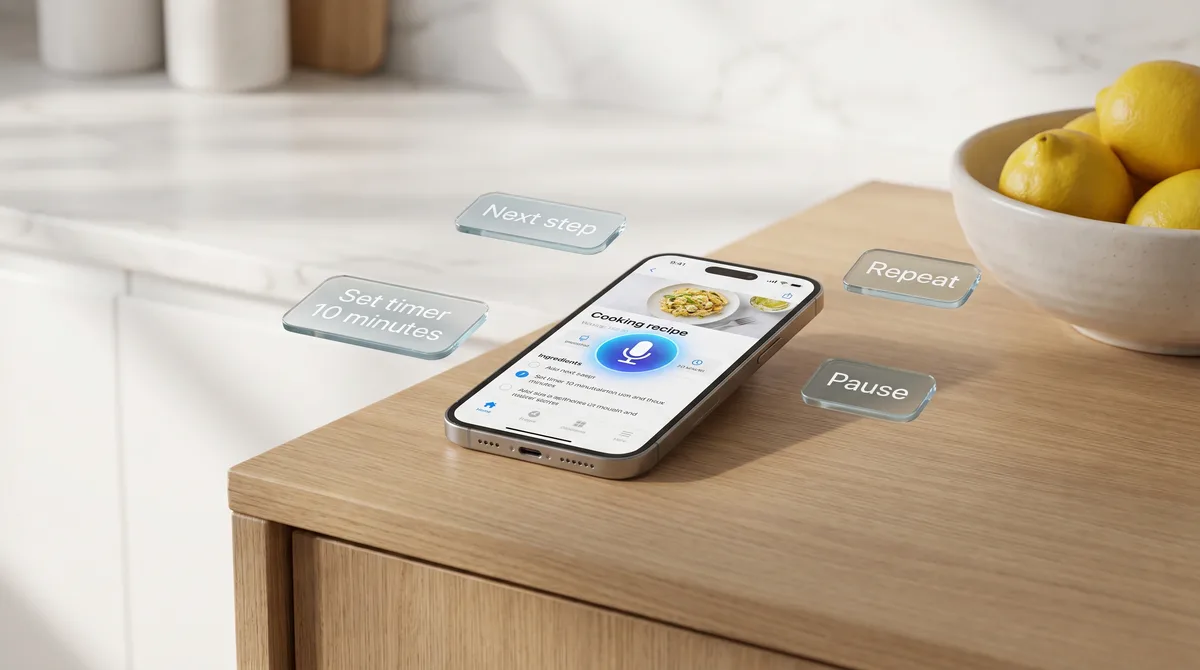
This is the complete reference for every voice command in Forktastic's Cook Mode. Bookmark it, print the cheat-sheet at the bottom, tape it inside a cupboard. After the first few times you cook with voice commands, you'll have these in muscle memory — until then, the reference helps.
All 14 commands work in six languages: English, Spanish, French, German, Portuguese, and Arabic. The Cook Mode mic stays open as soon as you enter cook mode and listens for the wake word and command in your selected language. No "hey [app name]" prefix required for the commands listed below.
Navigation commands
1. "Next step"
Advances to the next step of the recipe. The current step becomes the previous step; the next step becomes the focus. Triggers a brief haptic on iOS and a visual highlight on both platforms so you know it heard you.
2. "Previous step" (or "Go back")
Backs up by one step. Useful if you advanced too eagerly or want to re-check what you just did.
3. "Repeat that" (or "Repeat")
Re-reads the current step aloud. The single most useful command when you're elbow-deep in dough.
4. "What's next?"
Reads the next step aloud without advancing to it. Useful for previewing — "is the oven supposed to be preheated by now?" without losing your place.
5. "Where am I?"
Reads the current step number and a short title. "You're on step 4 of 9 — Sear the chicken." Useful when you've been working hands-free for a while and want a re-anchor.
Timer commands
6. "Set a [N] minute timer"
Starts a timer for N minutes. Multiple timers can run concurrently. The timer is named after the step you're on by default — "Step 4 timer" — so it's easy to keep them straight.
7. "Set a [N] minute [name] timer"
Starts a named timer with a custom label. "Set a 25 minute pasta timer." Useful when you're juggling multiple cook times — pasta on the stove, chicken in the oven, vegetables roasting — and the default step-name labels aren't enough.
8. "How long is left?" (or "Timer status")
Reads back the remaining time on every active timer.
9. "Cancel timer" (or "Stop timer [name]")
Cancels the most recent timer. With a name argument ("Cancel pasta timer"), cancels the named timer specifically.
Playback commands
10. "Read this step"
Reads the current step aloud with TTS in the selected locale. Useful for steps you want to hear while your eyes are on the food.
11. "Pause" / "Resume"
Pauses or resumes TTS playback. Doesn't affect timers — only the speaking voice.
12. "Read faster" / "Read slower"
Adjusts TTS playback rate by one step (about 15%). Sticky setting — the rate carries across steps until you exit Cook Mode.
Other
13. "Show ingredients"
Surfaces the ingredient list inline at the current step. Useful for double-checking quantities while you're measuring.
14. "Exit Cook Mode" (or "I'm done")
Exits Cook Mode, closes the microphone, cancels any active timers (with a confirmation if timers were running), returns to the recipe overview.
Localization — what changes in each language
The command structure stays the same across languages — verb + object — but the literal phrasing follows native conventions:
- Spanish: "Siguiente paso", "Repetir", "Pon un temporizador de 10 minutos"
- French: "Étape suivante", "Répète", "Mets une minuterie de 10 minutes"
- German: "Nächster Schritt", "Wiederholen", "Stell einen Timer auf 10 Minuten"
- Portuguese: "Próximo passo", "Repetir", "Define um temporizador de 10 minutos"
- Arabic: "الخطوة التالية", "كرر", "ضبط مؤقت لمدة 10 دقائق"
The full multilingual walkthrough covers locale switching, RTL display for Arabic, and which voice is used per language.
The printable cheat-sheet
Print this and tape it inside a cupboard:
NAVIGATION         | TIMERS                          | PLAYBACK
Next step          | Set a [N] minute timer          | Read this step
Previous step      | Set a [N] minute [name] timer   | Pause / Resume
Repeat that        | How long is left?               | Read faster / slower
What's next?       | Cancel timer                    |
Where am I?        |                                 | OTHER
                   |                                 | Show ingredients
                   |                                 | Exit Cook Mode
Where to go next
If you haven't tried voice cook mode yet, the complete voice cook mode guide is the pillar page that introduces it. For multi-timer workflows specifically, the voice timer how-to goes deep on stacking timers. For TTS step reading, the read-aloud guide. And for accessibility-focused users, the accessibility walkthrough.