How to Save Recipes from TikTok Videos
Save recipes from TikTok in 30 seconds — screenshot + caption + AI parse. Plus what to do for caption-less videos.
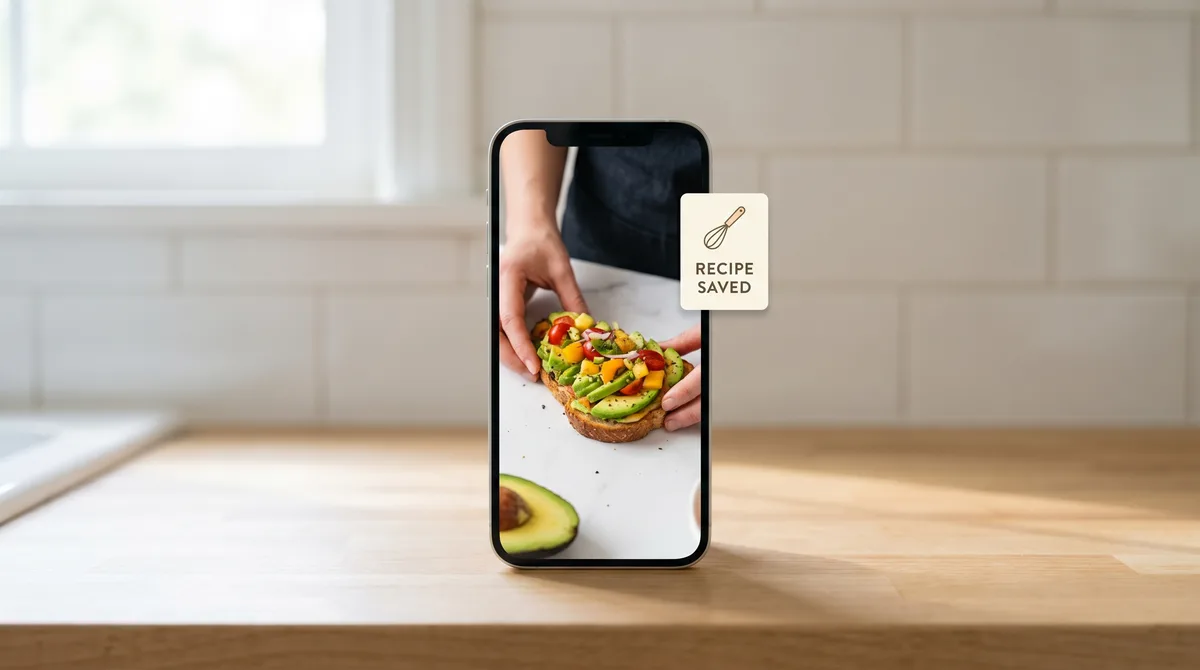
TikTok is one of the largest active recipe-discovery platforms in the world, and the recipes that go viral there are often the ones home cooks actually want to make. The challenge is that TikTok recipes live as 60-second videos with the ingredient list flashing on screen for 2 seconds. This is the workflow for capturing them into Forktastic.
The honest baseline
If recipe capture from TikTok is the single thing you want a recipe app to do well, Recime built their app around AI video extraction and they own this workflow. Forktastic's approach is slightly more manual but works for the same end result. Pick what fits.
The 30-second TikTok capture workflow
- Open the TikTok recipe. Tap to pause at the frame that shows ingredients on screen.
- Screenshot. Side button + volume up on iPhone; power + volume down on Android.
- Tap the caption — most TikTok food creators put the full recipe in the caption. Copy the text.
- Open Forktastic → + → Import from Photo. Pick the screenshot. OCR reads the on-screen ingredients.
- Paste the caption text into the same flow. The AI parser merges the screenshot's ingredients with the caption's steps.
- Verify, save.
Done in about 30 seconds per recipe.
For TikToks where the recipe is only in the video
Some TikTok recipes have no text at all — the creator just demonstrates while voiceover narrates. For those, take 2-3 screenshots covering ingredients and key steps, batch-import as multiple photos, and Forktastic OCRs and stitches them into a single recipe.
Quantities might need a manual check — handwritten or stylized fonts in TikTok are sometimes misread. Spot-check before cooking.
For TikToks with a "link in bio" pointing to a recipe blog
Open the link in Safari and use the Forktastic Safari extension or URL import. This is usually the cleanest path because the creator wrote the recipe properly on their own site. URL import walkthrough.
For pinned recipe collections
Many TikTok food creators pin a comment with the recipe under their video. Copy that pinned comment and paste-text it into Forktastic. Paste-text walkthrough.
Where to go next
For Instagram-specific capture, the Instagram walkthrough. For broader import methods, the import pillar. For the head-to-head against Recime, Recime vs Forktastic.