How to Add a Recipe by Pasting Text (Quick Capture Method)
Paste-text capture in Forktastic — when there's no URL and no photo, just raw text, the AI parser does the rest in 15 seconds.
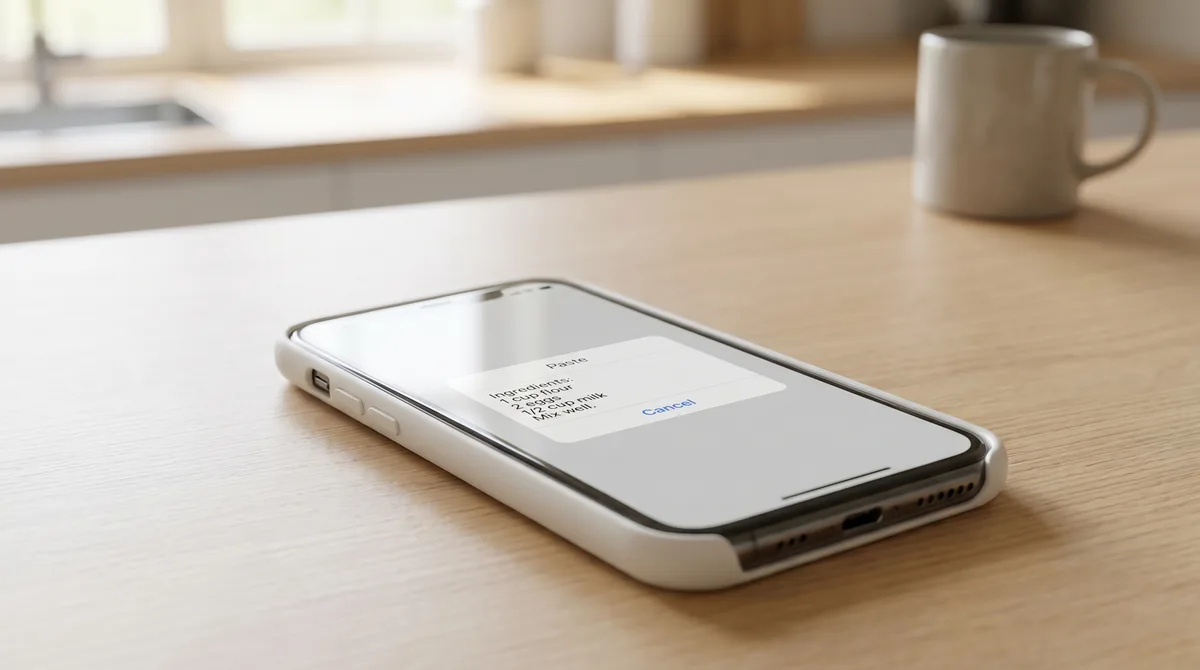
Paste-text capture is the import method you'll reach for when there's no URL and no photo — just raw text someone sent you. The friend who texted you their grandmother's chili recipe. The email newsletter you copied from. The pinned TikTok comment with the full recipe in it. Forktastic's paste-text import handles all of these in one flow.
The workflow
- Copy the recipe text from wherever it lives.
- Open Forktastic → + → Import from Text.
- Paste.
- The AI parser structures the text into a recipe — title, ingredients, steps, times where mentioned. Review, edit, save.
About 15 seconds per recipe.
What the AI parser handles
- Inline ingredient lists — "2 cups flour, 1 stick butter, 3 eggs" gets split into three structured ingredients.
- Bulleted lists — markdown-style or plain-text bullets.
- Numbered or unnumbered steps — narrative prose is fine; "first do X, then Y, finally Z" works.
- Mixed prose + lists — recipes where the ingredients are bulleted but steps are paragraph form.
- Multiple measurement systems — metric, imperial, mixed.
What needs cleanup
The parser does best when the text is just the recipe. If you paste a screen full of email signature, ad text, or surrounding prose, the parser may pick up noise as ingredients or steps. Quick fix: trim the text to just the recipe before pasting.
Handwritten recipes typed into a message often have informal measurements ("a glug of olive oil"). The parser captures these as-is; you can edit to formal quantities after if you want them precise.
Source preservation
Paste-text imports have no source URL by default. If the recipe came from somewhere — a newsletter, a friend, a book — type the source into the notes field so you can find your way back later. Future-you will thank you.
Bulk paste-text
Forktastic accepts one recipe per paste. For a stack of text recipes (say 20 emails from a recipe newsletter), do them one at a time — there's no bulk-paste import. For a true bulk migration, the Paprika ZIP path is the better tool. Paprika migration walkthrough.
Where to go next
For URL import, URL walkthrough. For photo OCR, photo OCR guide. For the broader set, import pillar.