Forktastic MCP in Cursor: Recipes in Your IDE
Step-by-step Forktastic MCP setup for Cursor — issue a PAT, add the server config, build agents against your recipe library inside your dev environment.
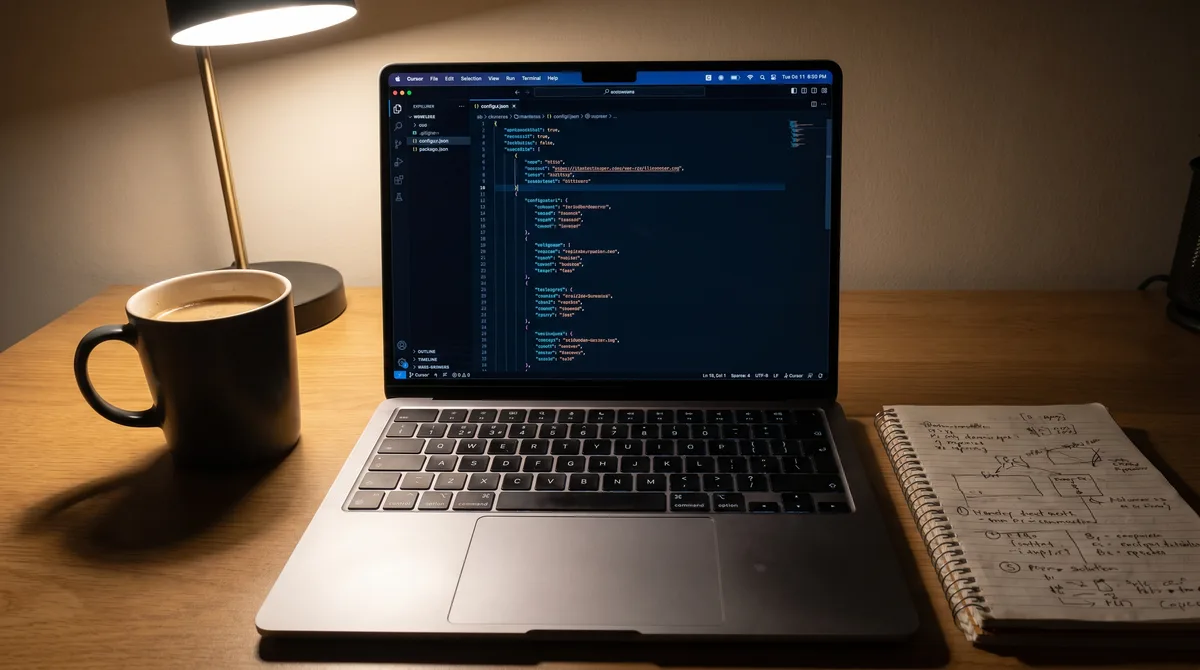
Cursor's MCP integration is the same shape as Claude Desktop's — you add a server, you authenticate with a Personal Access Token, and the tools become available to whichever agentic mode you're using. This is the Forktastic-specific Cursor setup.
Why connect Forktastic to Cursor
If you build software with Cursor and you keep recipes on the side as a hobby, having your recipe library available in your IDE is more useful than it sounds. Quick agent prompts like "format my X recipe as a Markdown table for a Slack message" or "generate a shopping list from the recipes I have planned this week" become one prompt away while you're already in your dev environment.
It's also useful for developers building integrations against Forktastic — you can introspect the API responses interactively while you're writing code that calls them.
Step 1 — Issue a Personal Access Token
In Forktastic: Settings → Personal Access Tokens → New Token. Label it "Cursor" so you know which client it's for. Copy the token immediately — it's shown once. Full PAT walkthrough.
Step 2 — Add the server to Cursor's MCP config
In Cursor, open Settings → MCP → Add Server. The config follows the standard MCP server schema:
{
  "name": "forktastic",
  "command": "npx",
  "args": ["-y", "@modelcontextprotocol/server-fetch"],
  "env": {
    "MCP_URL": "https://mcp.forktastic.com/rpc",
    "MCP_TOKEN": "your-PAT-here"
  }
}
(Exact UI may vary by Cursor version — the principle is: add a server, paste the URL, paste the token, save.)
Step 3 — Verify
Open a new chat in Cursor. Type: "Using the Forktastic MCP server, list my cookbooks." Cursor should call the list_cookbooks tool and return your actual cookbook list.
If the tool doesn't show up, restart Cursor and re-check the server config.
What this enables in your dev flow
- Generate Markdown recipe exports for documentation or Slack messages.
- Test integrations against your actual library data while building.
- Use your recipe library as test data for code that processes structured content.
- Build agents that work with recipes (planners, finders, formatters).
What's the same as Claude
The seven tools — search_recipes, get_recipe, list_cookbooks, search_cookbooks, get_cookbook, get_trending, get_family — work identically in Cursor and Claude. Full tool reference.
The rate limits — 60/min, 5,000/day per token — apply per token regardless of client. If you use the same PAT for Cursor and Claude, they share the bucket. Issue separate PATs if you want separate buckets. Rate limits reference.
Where to go next
For the tool reference, 7 MCP tools. For Claude instead, Claude setup. For PAT management, PAT walkthrough. For the MCP pillar, MCP pillar guide.